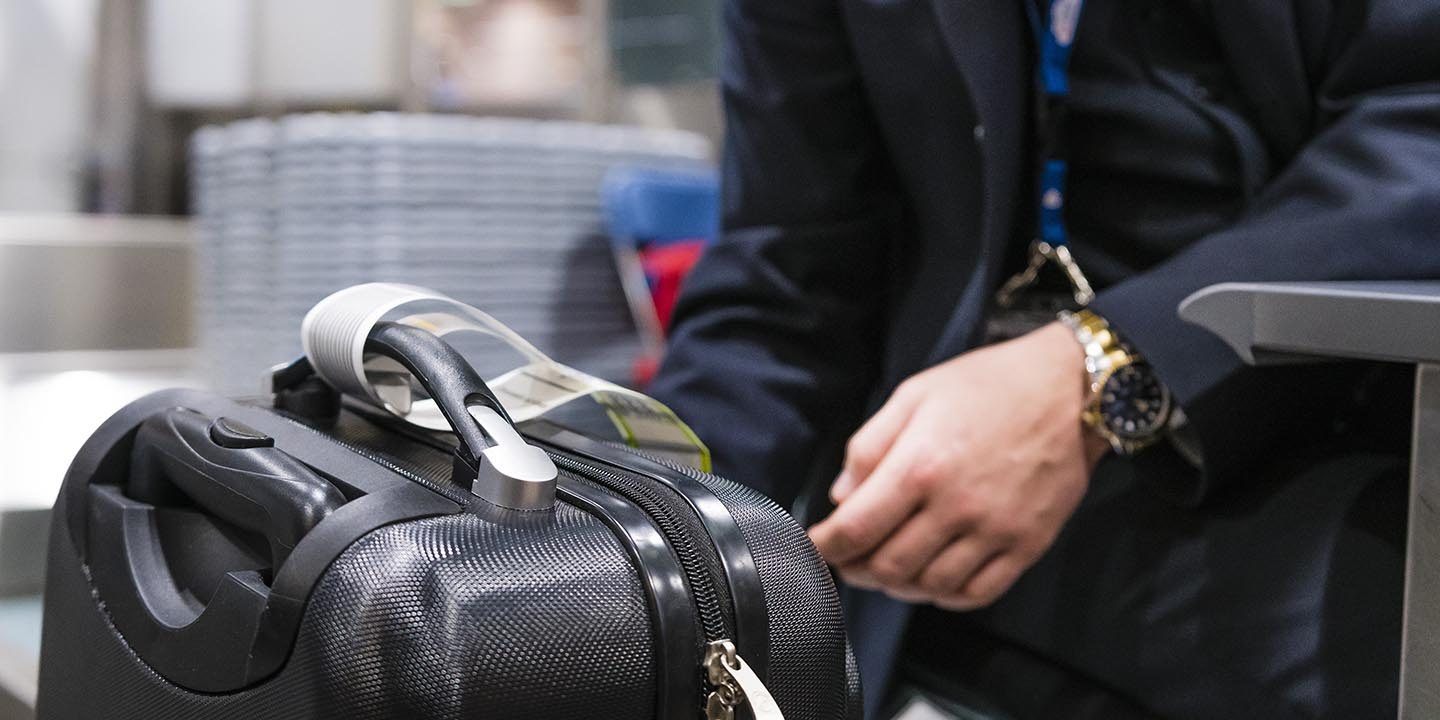
Brussels Airlines does all it can to make your travel as easy as possible, giving you the option of using an electronic bag tag, which uses an electronic display instead of the conventional paper bag tag.
Prepare your electronic bag tag from the convenience of your own home via your smartphone and attach it to your baggage. Once you arrive at the airport, simply drop off your baggage directly at the self-service bag drop machines or, where available, at our Fast Bag Drop machines.
Travelling with Brussels Airlines is even easier thanks to the electronic bag tag solution by BAGTAG and BagID, not to mention the convenient RIMOWA Electronic Tag for some fitted models.
How to use electronic bag tags
Step 1
Check in as usual for your Brussels Airlines flight via online check-in or the Brussels Airlines app.
To online check-in
To the Brussels Airlines app
Step 2
Please download the BAGTAG app or the BagID app to your smartphone.1
BAGTAG for Android
The link will be opened in a new browser tab
Please note that with this link you are visiting an external website that may not follow the same privacy, security or accessibility policies.
BAGTAG for iOS
The link will be opened in a new browser tab
Please note that with this link you are visiting an external website that may not follow the same privacy, security or accessibility policies.
BagID for Android
The link will be opened in a new browser tab
Please note that with this link you are visiting an external website that may not follow the same privacy, security or accessibility policies.
BagID for iOS
The link will be opened in a new browser tab
Please note that with this link you are visiting an external website that may not follow the same privacy, security or accessibility policies.
Step 3
Open the BAGTAG app or the BagID app and follow the manufacturer's instructions.
To the BAGTAG instructions
The link will be opened in a new browser tab
Please note that with this link you are visiting an external website that may not follow the same privacy, security or accessibility policies.
To the BagID instructions
The link will be opened in a new browser tab
Please note that with this link you are visiting an external website that may not follow the same privacy, security or accessibility policies.
1 You only need to download the BAGTAG app and the BagID app to your smartphone once.
FAQs about electronic bag tags
To create an electronic bag tag, one of the things you need is your booking code. You will find this in your booking confirmation or on your boarding pass.
To BAGTAG instructions
The link will be opened in a new browser tab
Please note that with this link you are visiting an external website that may not follow the same privacy, security or accessibility policies.
To the BagID instructions
The link will be opened in a new browser tab
Please note that with this link you are visiting an external website that may not follow the same privacy, security or accessibility policies.
Keep in mind that you can only create your electronic bag tag from 23 hours before your planned departure time.
Due to legal regulations, electronic bag tags cannot be used for some flight connections.
If you are not using the electronic bag tag on a flight, make sure that it is switched off or stowed in your suitcase.
If your booking contains more than one flight segment, this will be displayed automatically on your electronic bag tag.
All electronic bag tags supported by Brussels Airlines can be carried on board without any problems.